Skip to content

Flow Alt Delete
BY JOSH COOK

  • Start Here
  • Articles
  • Watch
  • About
  • Beta signup

FLOW ALT DELETE / THE ARTICLE LIBRARY

The work.
In one place.

Field tests, setup guides, and practical notes on Microsoft AI and Power Platform. Find a useful answer, then follow the next step.

Microsoft 365 Copilot   ·   Copilot Studio   ·   Power Automate   ·   Dataverse

New here? Choose a starting path →

Latest articles.

  • Tip For Testing Your Flows In Power Automate
    16 February 2022

    Tip For Testing Your Flows In Power Automate

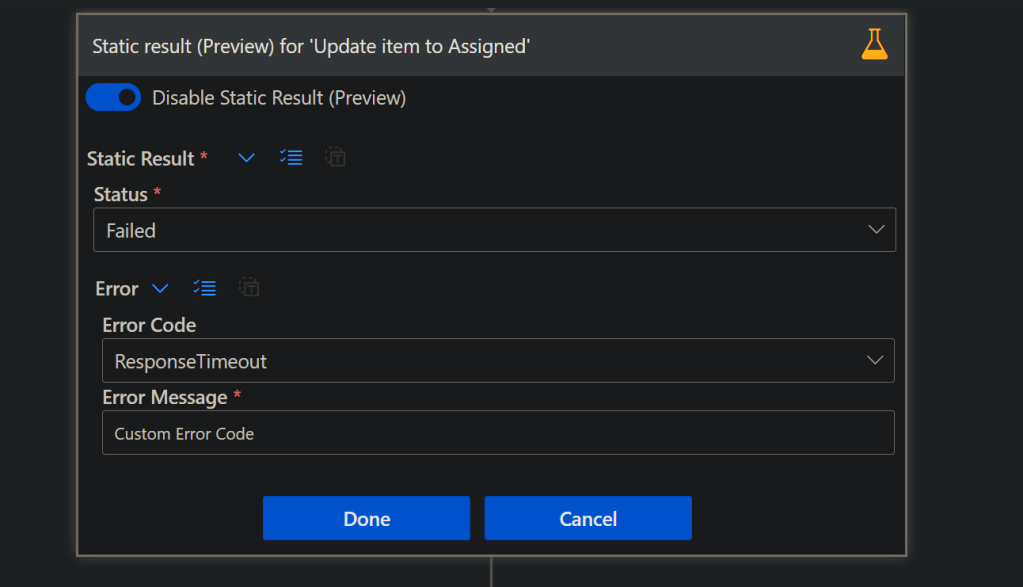
    Wouldn’t it be nice if we can Test our Flows without executing some of the actions like Sending Emails, creating items in SharePoint or…

    Read the article →

  • How to Use Regular Expressions in Microsoft Power Virtual Agents With Examples
    20 October 2021

    How to Use Regular Expressions in Microsoft Power Virtual Agents With Examples

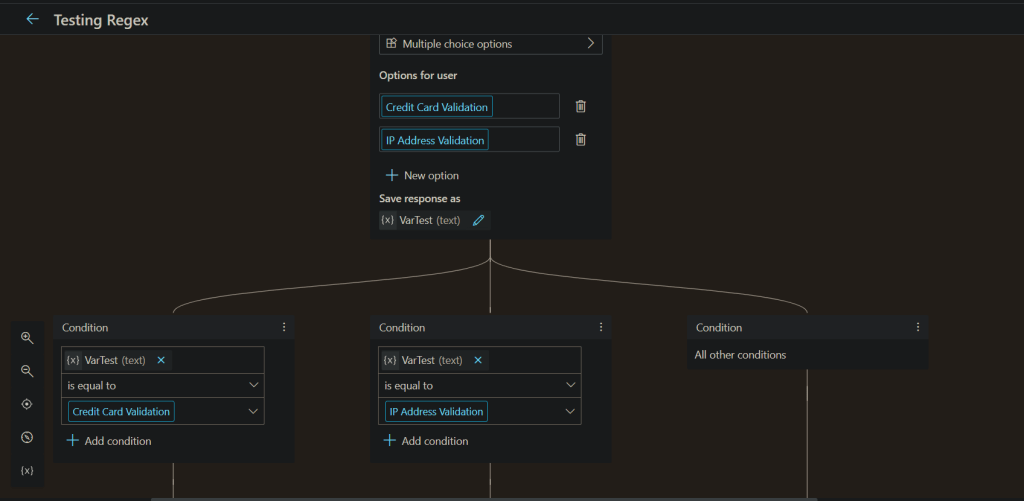
    Have you used RegEx in your PVA bots? Check out this post where I give patterns to the most common validations.

    Read the article →

  • Power Apps Choosing Which Connections To Use Using Power Automate
    30 April 2021

    Power Apps Choosing Which Connections To Use Using Power Automate

    Uploading data from Power Apps can be scary on a security standpoint, since the user will need access to the Data Source. Lets use…

    Read the article →

  • Check Conditions In Power Automate During Run
    8 February 2021

    Check Conditions In Power Automate During Run

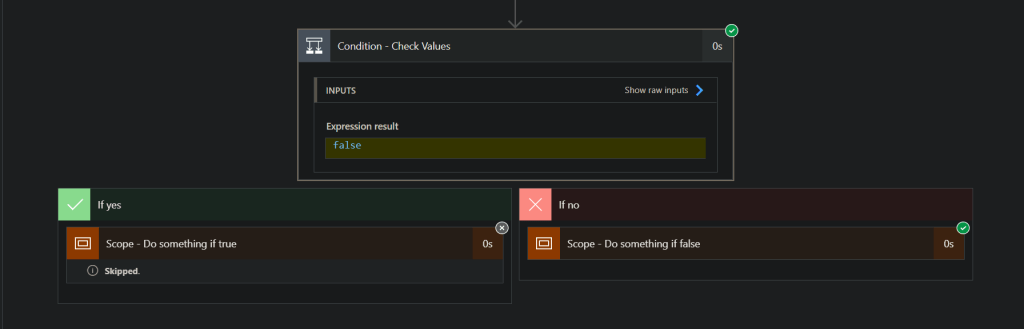
    Is your IF condition always evaluating to False? Debugging and Testing your Flows should be easy. When using a Condition in Power Automate, in…

    Read the article →

  • Where Are My Flows When Building Power Virtual Agents In Teams
    12 November 2020

    Where Are My Flows When Building Power Virtual Agents In Teams

    You added a Flow in Power Virtual Agents in Teams, you now want to edit that Flow. Where is it? Come check out the…

    Read the article →

  • Getting User Details To Use In Power Virtual Agents (Teams)
    6 November 2020

    Getting User Details To Use In Power Virtual Agents (Teams)

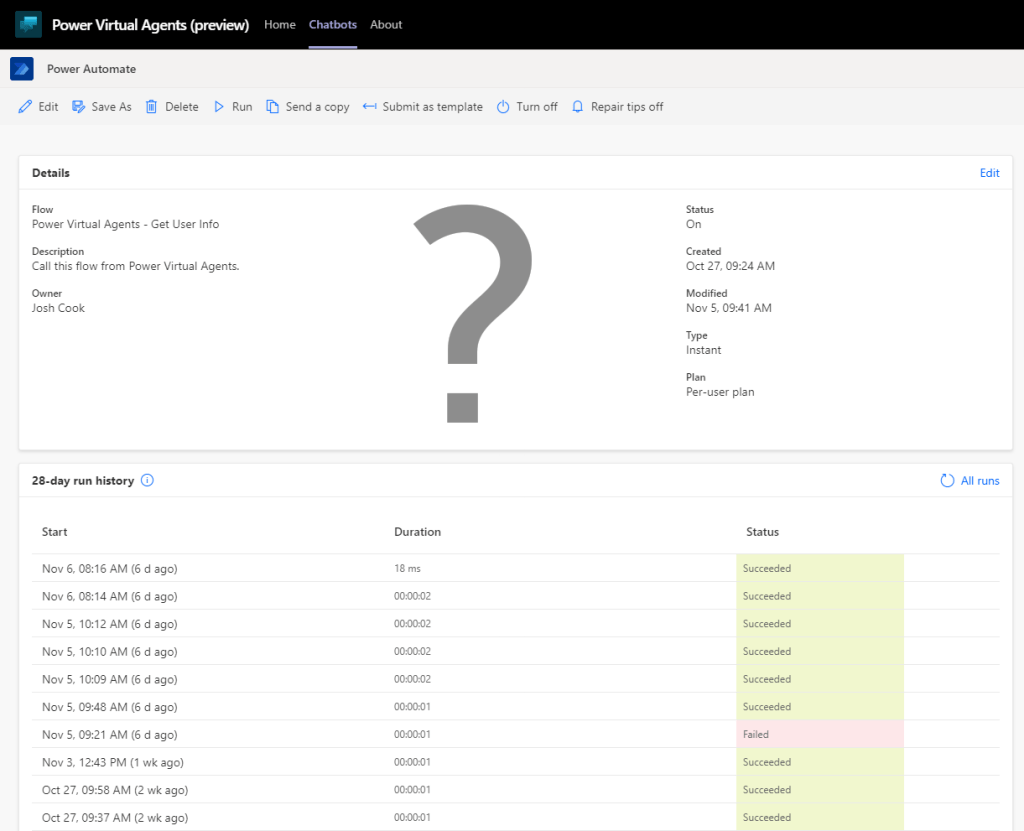
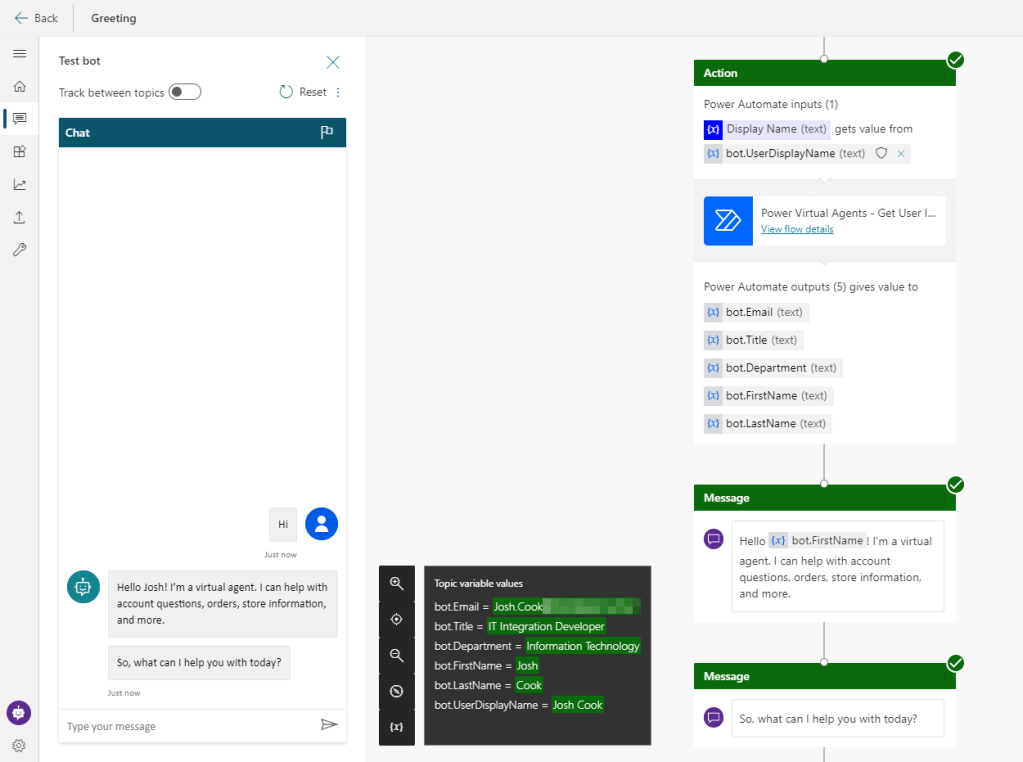
    Lets use Power Automate inside Power Virtual Agents to get all the users details who is interacting with the bot. We can customize our…

    Read the article →

  • Checking If HTML Table Is Empty In Power Automate
    27 October 2020

    Checking If HTML Table Is Empty In Power Automate

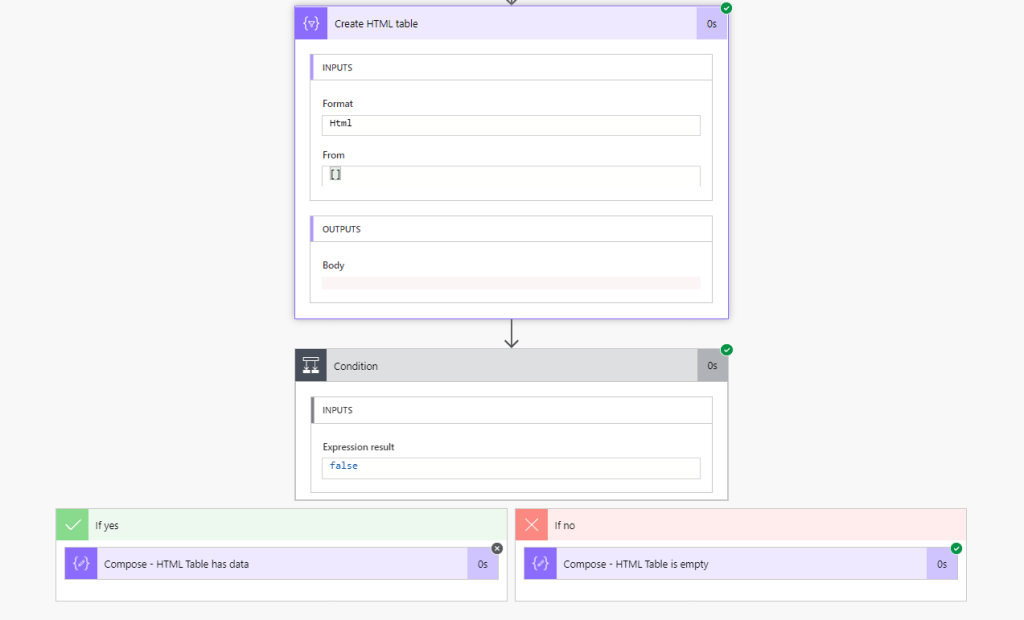
    I needed to check if an HTML table had data or not. Usually when I need to check I have two expressions I like…

    Read the article →

  • Getting Specific Files And IDs In SharePoint Using Power Automate
    22 October 2020

    Getting Specific Files And IDs In SharePoint Using Power Automate

    I encountered an issue when trying to filter a a file by filename, that was in a SharePoint document library. When needing to get…

    Read the article →

  • Converting Time Zones Easily In Power Automate
    15 October 2020

    Converting Time Zones Easily In Power Automate

    Did you know that Power Automate has a Date Time action that can easily convert, and format time zones in one action? Why is…

    Read the article →

  • Power Automate – Limit Runs to Trigger One at a Time
    28 September 2020

    Power Automate – Limit Runs to Trigger One at a Time

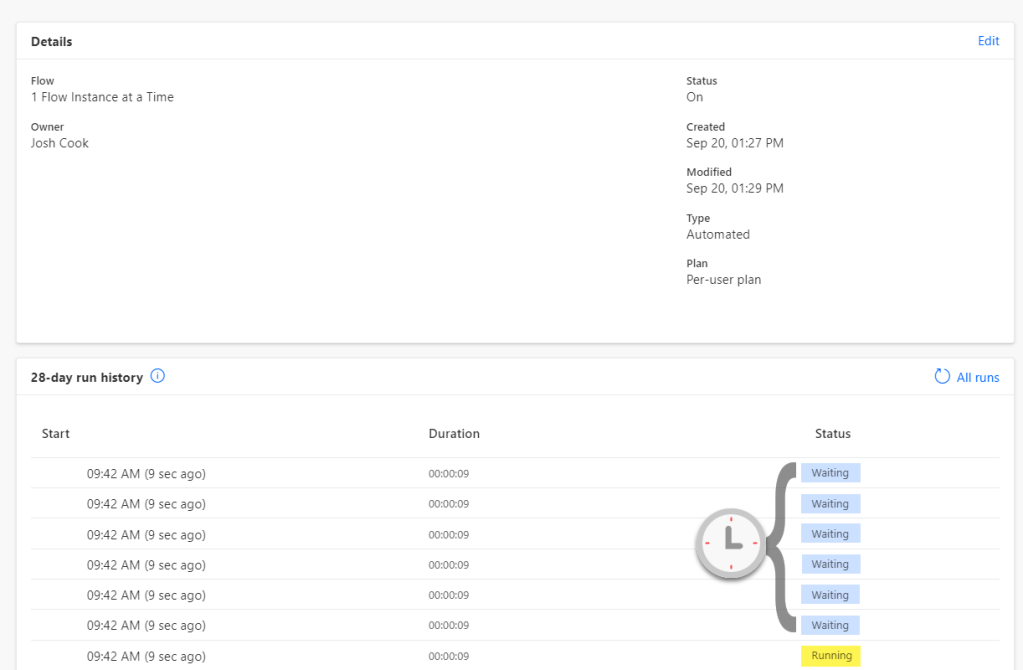
    Controlling when your Flow triggers can be crucial. By default Flows run in Parallel, this means multiple runs could be running at the same…

    Read the article →

  • Using Environment Variables as Parameters for Power Automate Deployments (ALM)
    9 September 2020

    Using Environment Variables as Parameters for Power Automate Deployments (ALM)

    Deploying Power Automate Flows can be a headache if you have to manually change values inside the Flow for each environment. You also run…
    Read the article →

  • Grabbing Error Message From Failed Run
    3 September 2020

    Grabbing Error Message From Failed Run

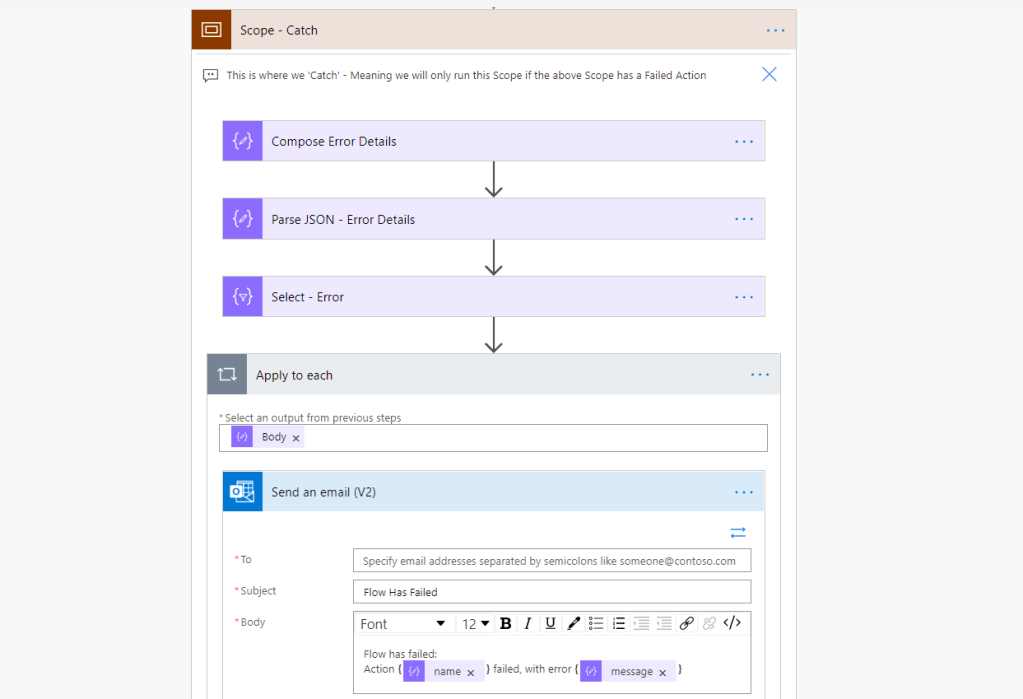
    When a Flow fails, sometimes we want to capture and send that message out, to a user, support team, or teams channel. In this…

    Read the article →

Previous Page
1 2 3 4
Next Page

FIELD NOTES · COMING SOON

The next useful read.
In your inbox.

Practical Microsoft AI tests, useful workflows, and the ideas behind Flow Alt Delete. Join the free beta now and get email updates as the newsletter takes shape.

Beta signup — sign up now →

Free email updates by Josh Cook. Unsubscribe anytime.

Flow Alt Delete

Practical Microsoft AI and Power Platform.
Field notes from Josh Cook.

Newsletter coming soon. Sign up for the beta →

Start Here · Articles · Watch

About Josh · Contact

About the Kavora demos
Kavora is a fictional company used in walkthroughs.

© Josh Cook · Flow Alt Delete · WordPress.com privacy information

  • Subscribe Subscribed
    Flow Alt Delete - Josh Cook [Microsoft MVP]
    Join 61 other subscribers

    Have a WordPress.com account? Log in now.

  • Flow Alt Delete - Josh Cook [Microsoft MVP]
    Copy shortlinkView post in Reader
    Manage subscriptionsSign upLog in
    Report this content
    Collapse this bar