Latest from the Blog
- PowerPoint’s New Interactive Slides Skill Is Bigger Than a Slide
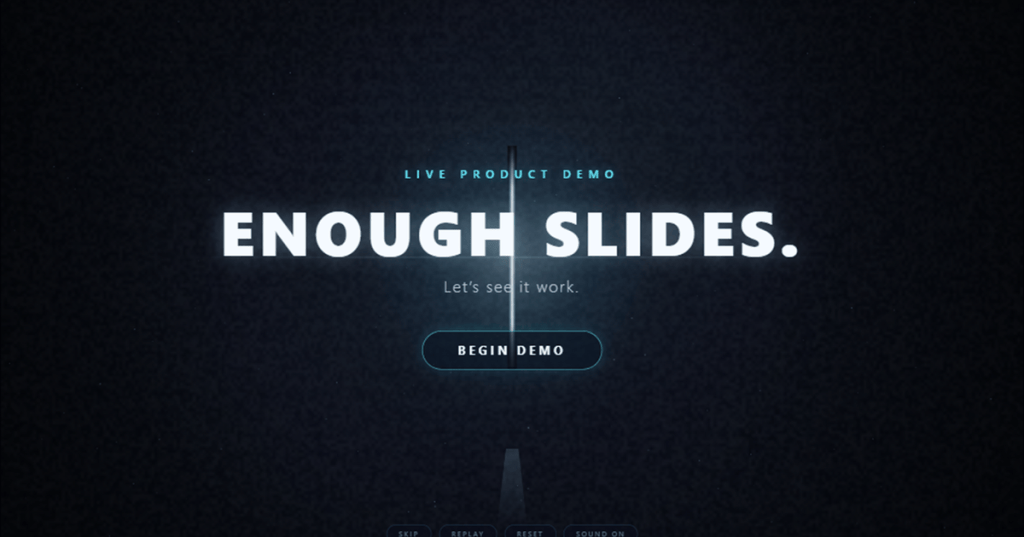 I tested Microsoft’s new Create interactive slides skill across two decks, from explainers and simulations to an interactive architecture workshop.
 - Copilot Cowork Model Benchmark: Five Models, One Prompt, One Winner
 All five Copilot Cowork models chose the right launch path. Claude Opus 5 still won on evidence quality, file design, and credits in this controlled five-model benchmark.
 - Copilot Cowork First Month: How Admins Should Check July Consumption
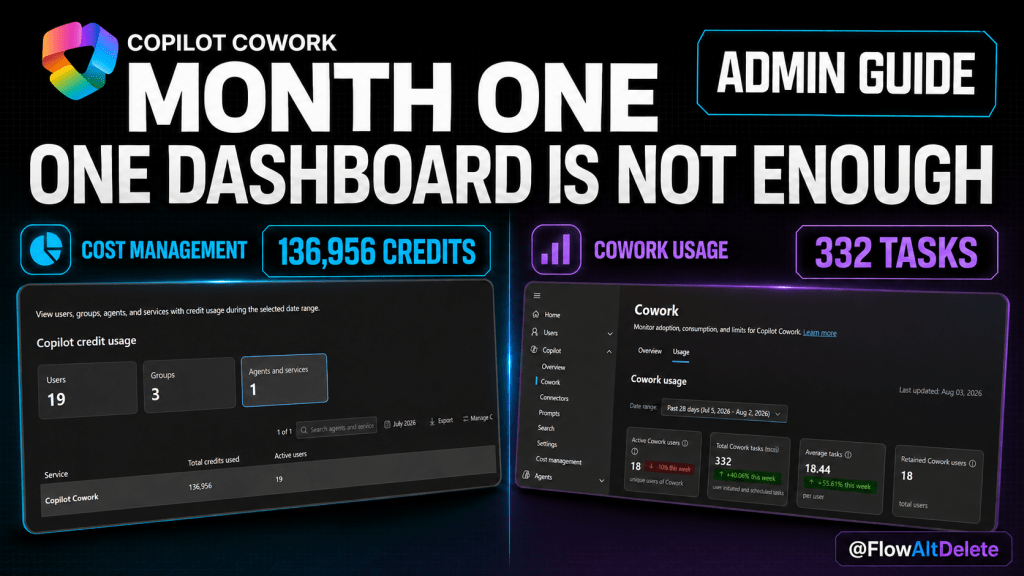 Your first month of Copilot Cowork is a baseline, not a verdict. Here is the practical admin guide to checking July Copilot Credit consumption, separating cost from adoption, configuring guardrails, and deciding what to change for month two.
 - GPT-5.6 Is Missing in Copilot Cowork? Turn On This Admin Setting
 GPT-5.6 Sol and Terra will not appear in Copilot Cowork until OpenAI-operated models are enabled in the Microsoft 365 admin center. Here is the exact setting admins need to know.
 - Copilot Cowork Browser Use
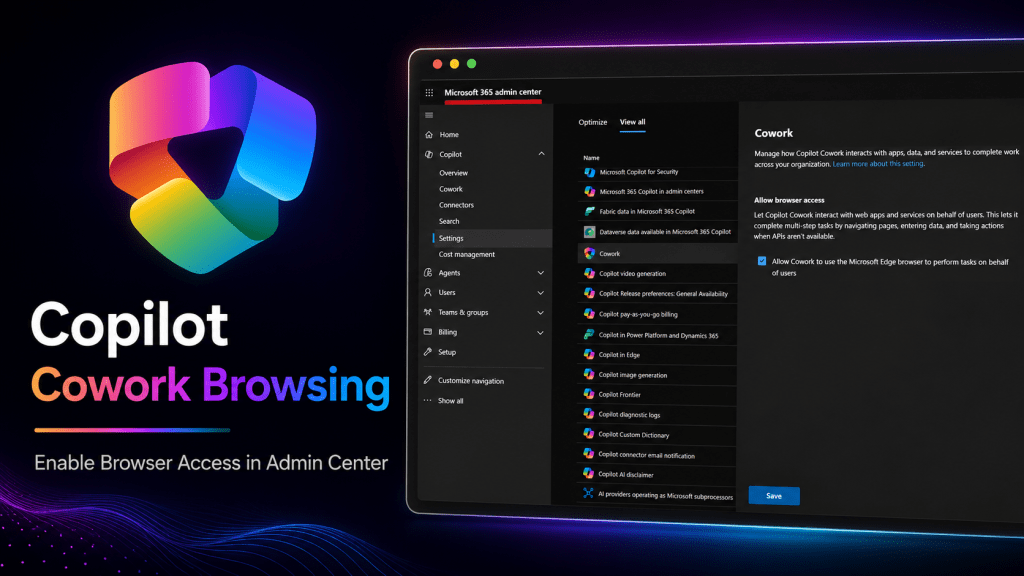 Enable Copilot Cowork browser use in Microsoft Edge by turning on Allow browser access in the Microsoft 365 admin center before asking Cowork to do browser-based work.
 - Copilot Cowork Billing Setup: Turn On GA Without Opening the Credit Floodgates
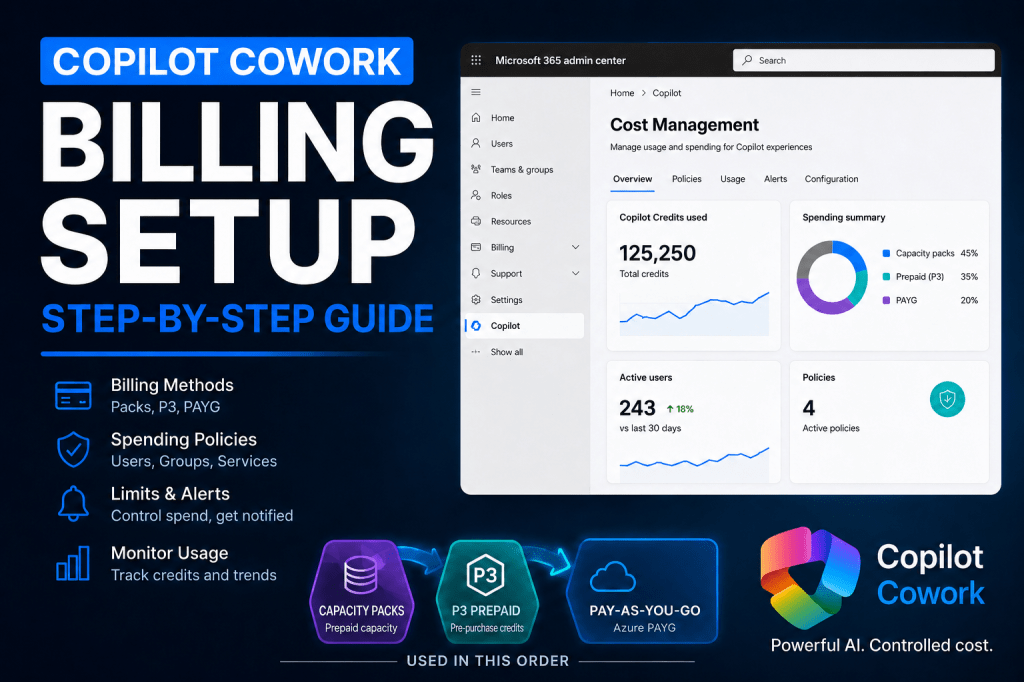 Copilot Cowork is generally available and uses Copilot Credits. Here is how to set up Cost Management, billing methods, limits, alerts, and security-group access before rolling it out.
 - Copilot Cowork /goal Prompt Vault:
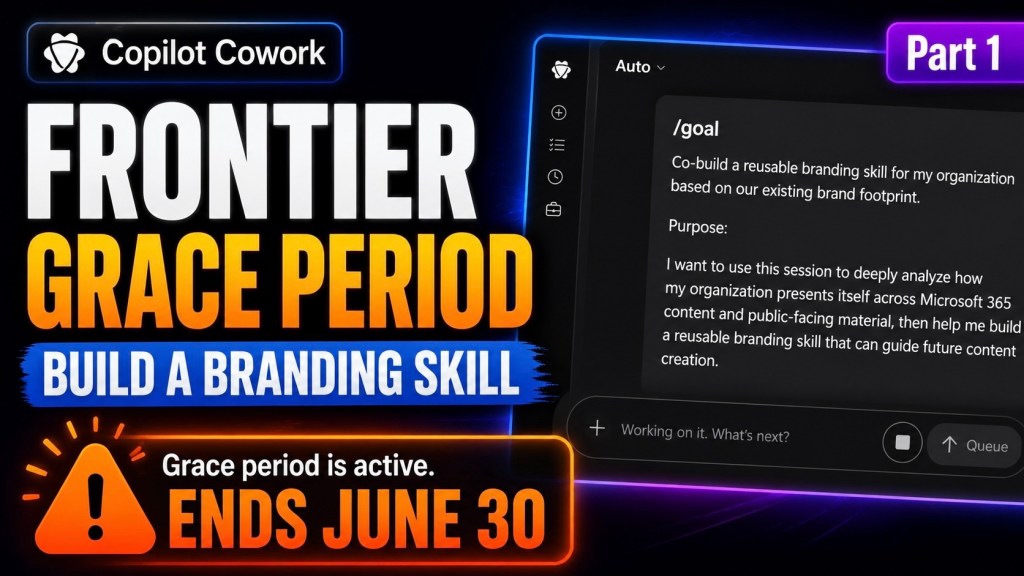 I’m building a daily Copilot Cowork /goal prompt vault until June 30. Prompt #1 shows how to create an organization branding kit using real files, logos, icons, PowerPoint decks, and website context.
 - Copilot Cowork Prompt of the Day: Real Microsoft 365 Workflows That Actually Save Time
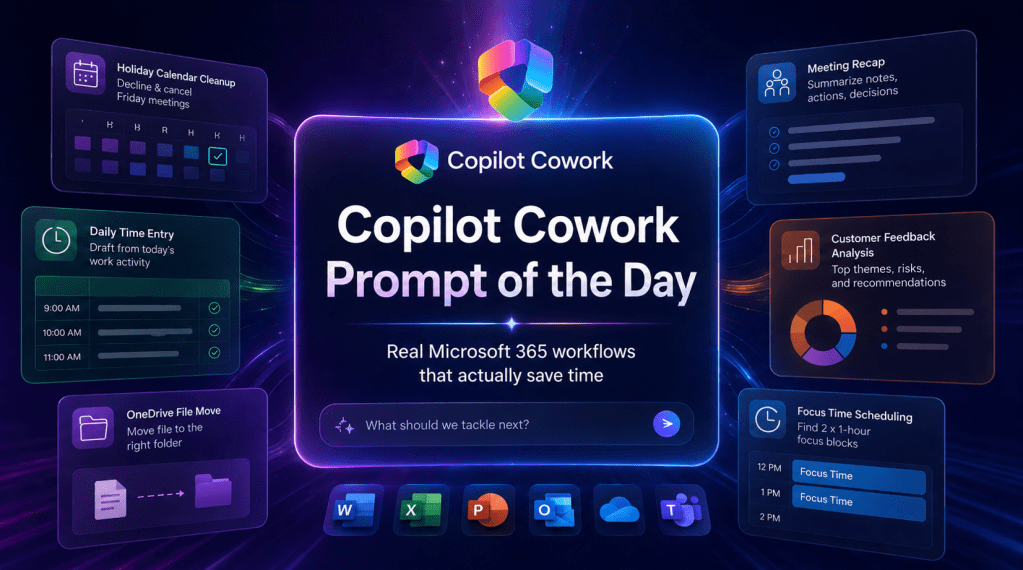 This content discusses effective prompts for using Copilot Cowork within Microsoft 365 to streamline workflows and enhance productivity. It emphasizes the importance of clear assignments that define business outcomes, guardrails, and expected deliverables. Multiple practical scenarios are presented, showcasing how to delegate tasks, manage time, and improve meeting outcomes using AI assistance.
 - Copilot Cowork Dataverse Plugin Setup
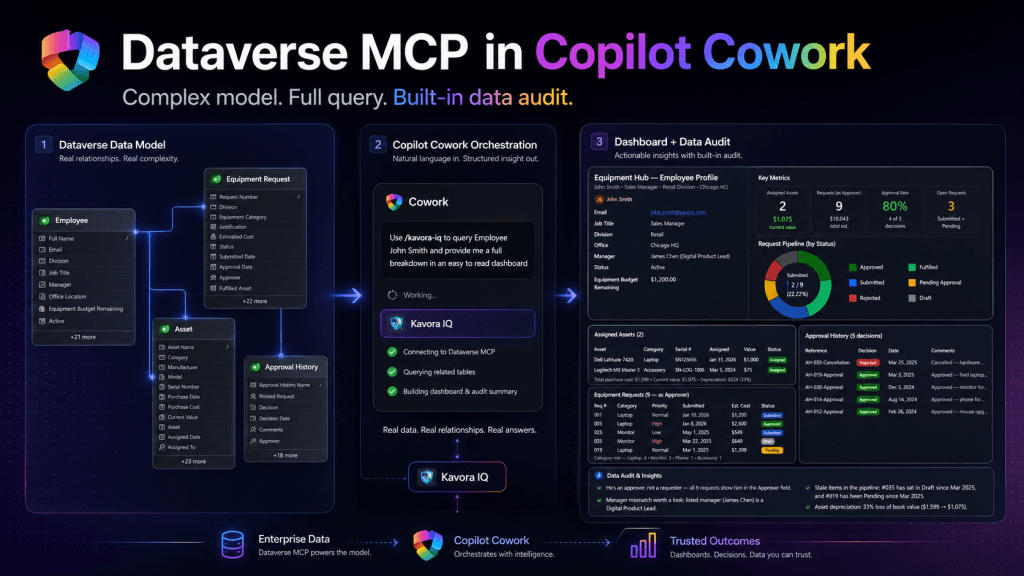 This guide details setting up a Copilot Cowork plugin to connect with Dataverse MCP. It covers app registration, configuring environments, creating OAuth in Teams, and building the plugin. Users will learn to provide schema context for effective querying, ensuring seamless integration and practical usage in business scenarios with common pitfalls highlighted.
 - I used AI as a full game studio
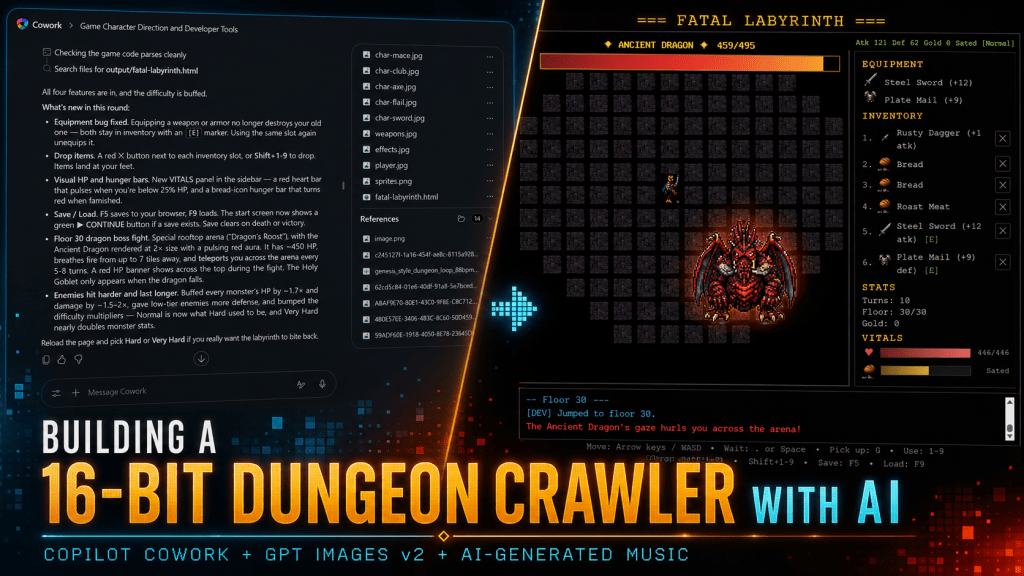 How I Built a SEGA Genesis Tribute Game with Copilot Cowork and ChatGPT Vibe-coding a… Read more: I used AI as a full game studio

 Flow Alt Delete - Josh Cook [Microsoft MVP]