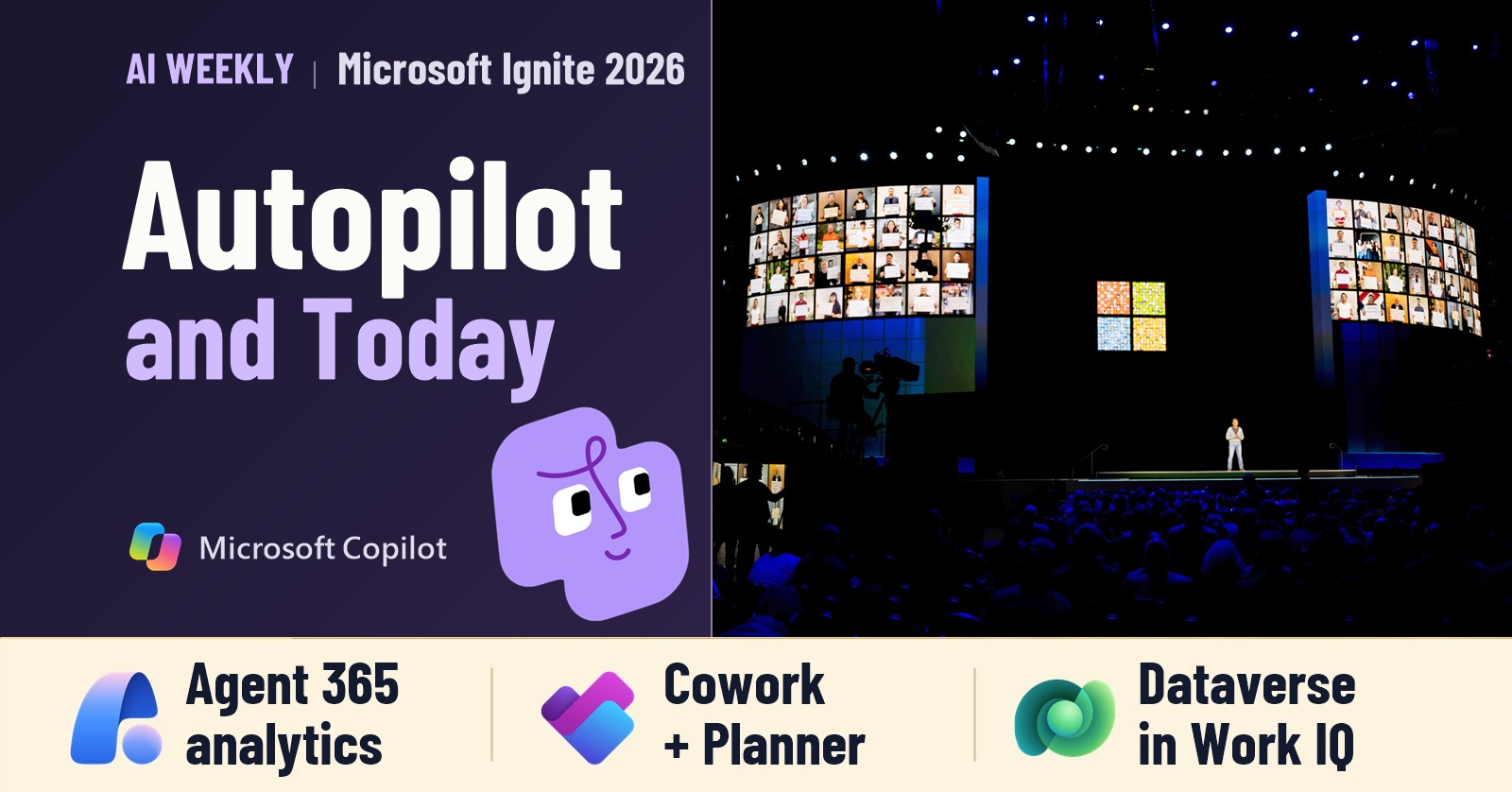
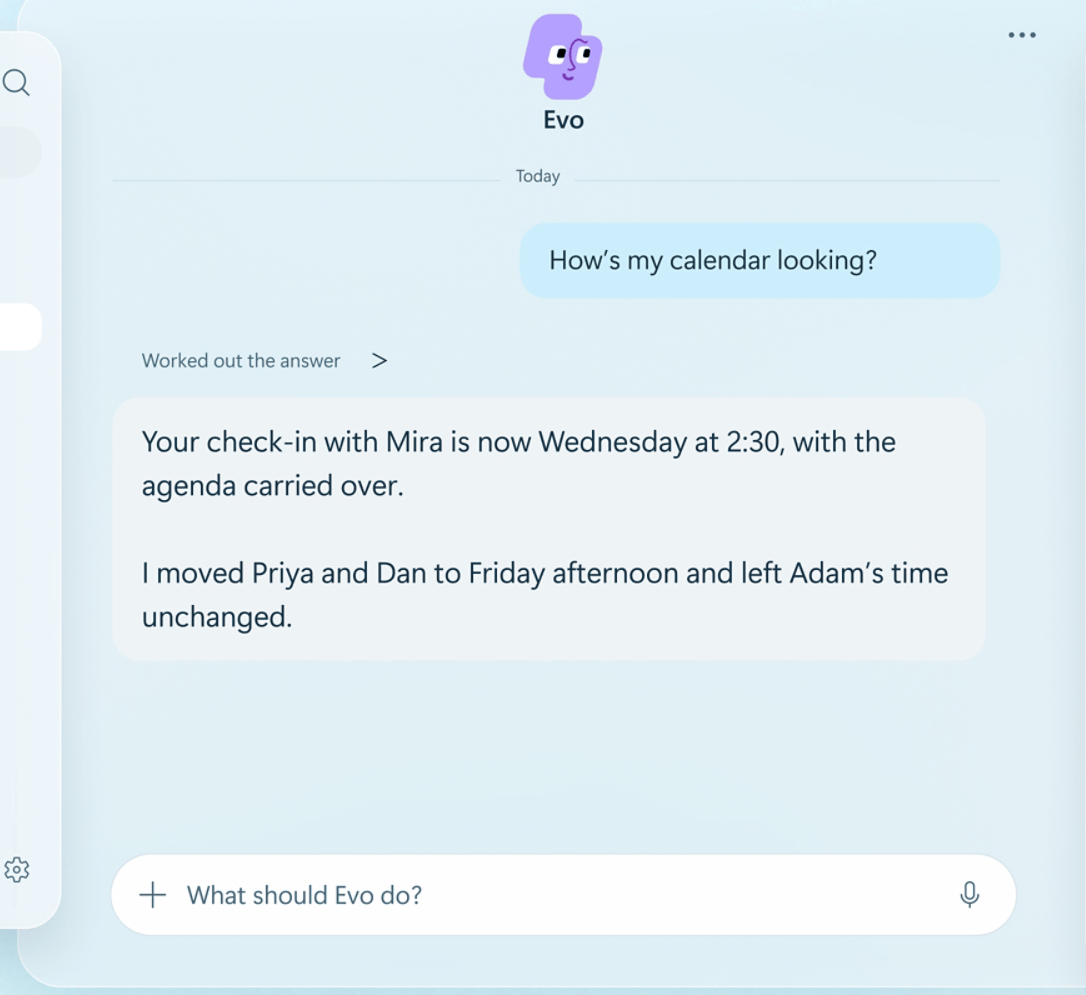
One detail from Microsoft Ignite 2026 stuck with me. While he was out of the office, Microsoft’s Omar Shahine asked his Autopilot, Sebastian, to go through his unanswered Teams conversations. He got back 40 draft replies grouped by priority. Shahine still decided what to send. Read his account of working with Sebastian.
Microsoft also introduced Today in Copilot and Outlook. Open it in the morning and you might find a decision buried in a Teams thread alongside an email reply Copilot has drafted for you. The morning brief and the updates that arrive later in the day have different billing rules.
November 20, 2026 edition. News checked through November 19. Catch up on last week’s connector write actions and Claude Fable 5.2.
This week in 60 seconds
- Autopilot. Microsoft started rolling it out to eligible Frontier customers. Give it a recurring job in Teams or Outlook.
- Today. The morning brief comes with Microsoft 365 Copilot. Updates throughout the day use Copilot Credits.
- Cowork and Planner. Chat can hand off a bigger job. The Planner and Viva Engage plugins are generally available.
- Work IQ and Dataverse. Copilot Chat can use the views and relationships in your business app.
- Copilot Managed Runtime. Microsoft now hosts published apps. Local Copilot Studio development is in public preview.
- Agent 365. A Frontier preview breaks out Cowork cost and estimated value by use case.
- Beyond Microsoft. OpenAI released GPT-6.2 Astra and Sol. Google introduced Gemini 4 Neon.
1. Give Autopilot a job it can keep doing
Autopilot began rolling out to eligible Frontier customers on November 17. It has its own identity, so a colleague can message it in Teams or reply to it in Outlook. You can give it a recurring job, and it keeps working in the cloud after you close your laptop.
The first job I would give it is the Friday handoff. Watch one project channel, find the customer questions we promised to answer, and bring me draft replies with the original threads attached. I can check each promise before anything goes back to a customer. For the admin side, my Autopilot activation walkthrough covers eligibility, pilot groups and spending limits.
2. Today Brief in the morning, Today Feed through the day
In Microsoft’s Today demo, the design team needs a decision on a launch storyboard. Two rollout risks also need a response before the review. Today pulls the sign-off request from Teams and prepares an Outlook reply about the risks. You can read both in one place and edit the reply before sending it.

Today Brief pulls together your priorities each morning from email, meetings, chats and your calendar. That daily refresh comes with a Microsoft 365 Copilot license. Today Feed keeps checking as the day changes. A new message or a moved meeting can change what rises to the top. Those recurring refreshes use Copilot Credits.

Microsoft announced Today as a private preview through Frontier in Copilot and Outlook. For a pilot, I would start with the morning brief and ask a simple question at the end of the day. Which decisions changed enough after breakfast to justify paying for the extra updates? Microsoft’s Ignite availability and billing details.
3. From Chat to Cowork at Microsoft Ignite 2026
Home brings Chat and Cowork together and is now generally available. Ask which deals need a follow-up and a chat answer might do. Ask for a briefing on each account with the latest correspondence and a deck for the sales call, and Copilot can offer to move the job to Cowork. You decide whether to hand it over.
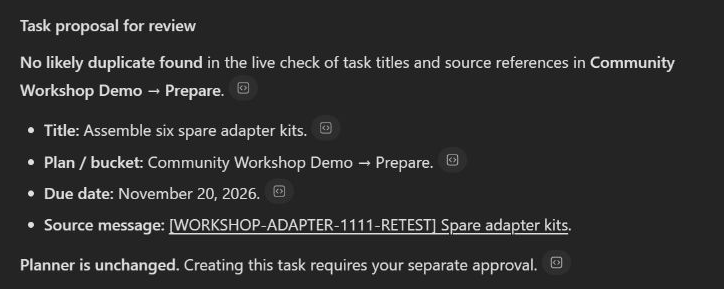
Planner and Viva Engage are now generally available in Cowork. Last week I sent myself a test email asking for six spare adapter kits. Cowork checked Planner for a duplicate, found the right bucket and waited for my approval. The full workshop demo includes the Outlook trigger and the prompt I used.
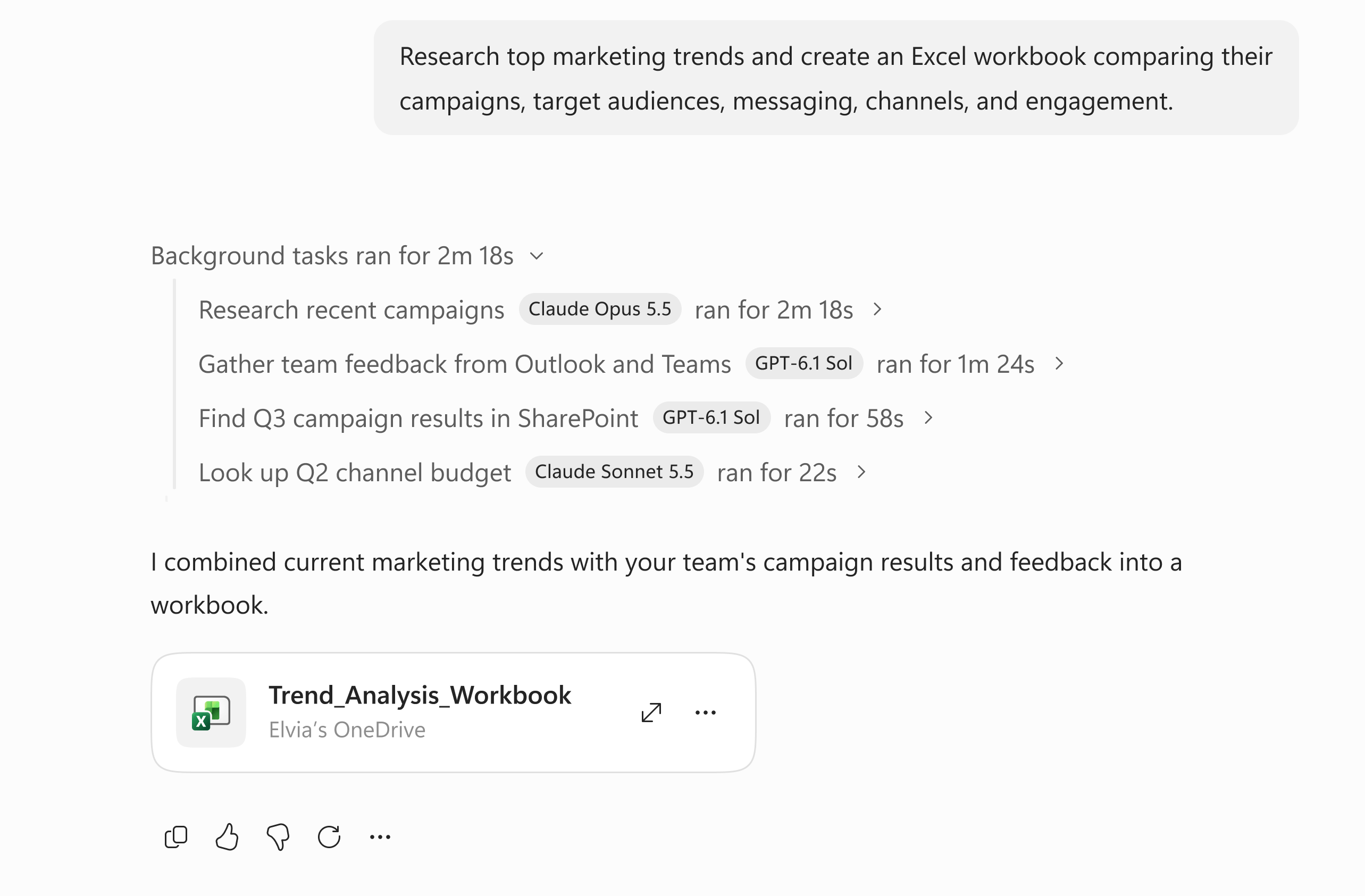
Bigger jobs can take a different path. In Frontier, Cowork’s Auto setting can spend more time on a difficult step and split independent tasks between subagents. In Microsoft’s example, one looked up campaign results in SharePoint while another checked the budget. Cowork brought their findings together in Excel.
4. Work IQ can use the Dataverse app you already built
Business Applications in Work IQ reached general availability on November 18 for Copilot Chat, Agent Builder and Copilot Studio. Work IQ builds a semantic model from the forms, views and relationships in your app. In plain English, that gives Copilot a way to tell which team owns a case and which customer it belongs to. Your existing permissions still apply.
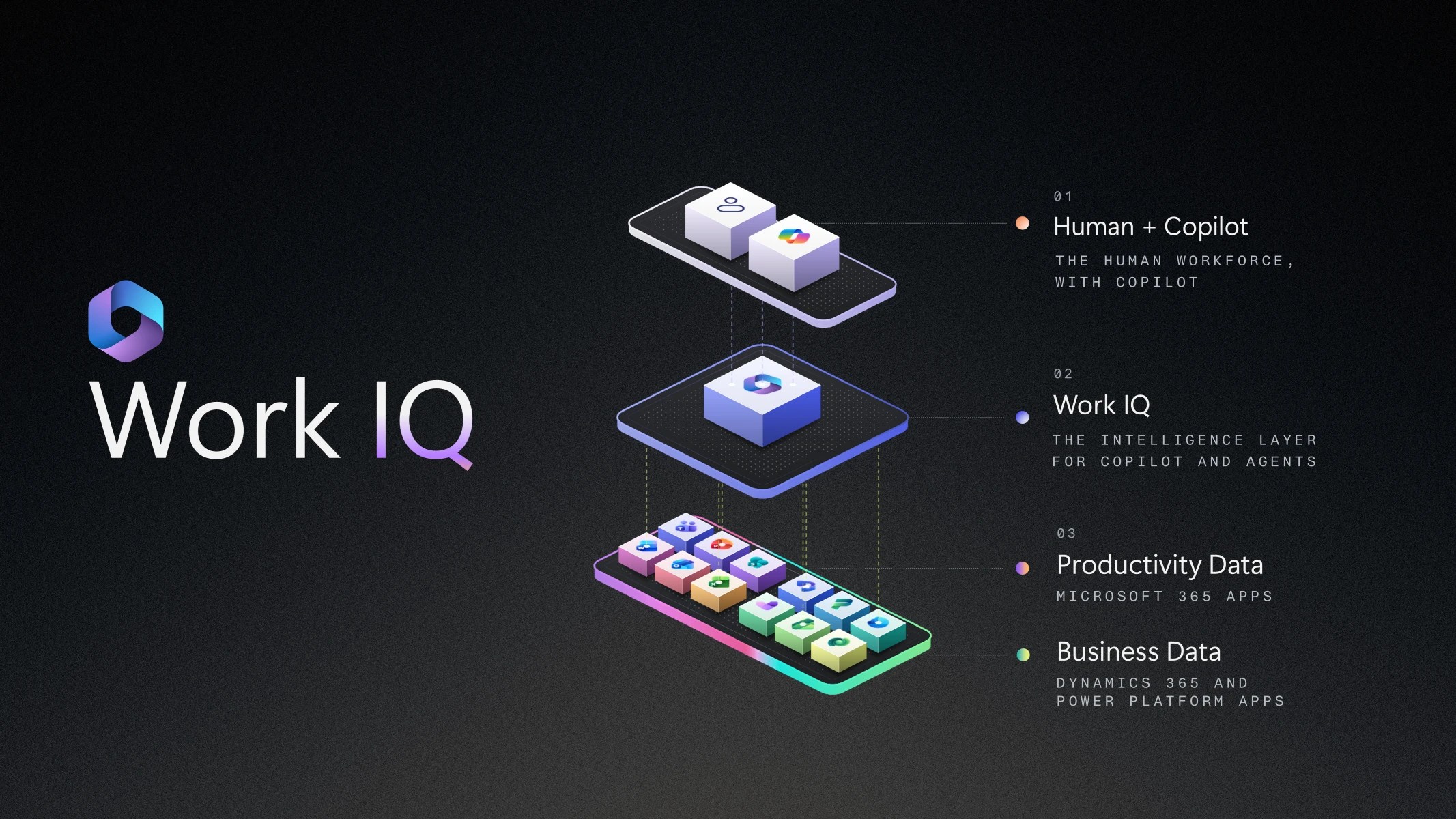
Here is the test I would run on a model-driven app. Pick a view your service team uses every morning. Ask Copilot which open cases need a callback today, then follow its source links and compare the records with the view. Try the same question as a user who can only see their own cases. Now you have a real check on both the answer and the access.
One wrinkle if you are planning a rollout around Cowork. Microsoft lists Business Applications in Work IQ for Cowork as public preview. Dynamics 365 ERP support is also in public preview. For a production pilot using the generally available feature, I would start in Copilot Chat with a view the team already trusts.
5. The app Cowork builds has a place to run
Say your sales team wants to keep using the account tracker Cowork just built. Who hosts it? How does a second person sign in? At Microsoft Ignite 2026, Copilot Managed Runtime reached general availability and started rolling out to tenants. Microsoft handles the hosting. The app uses Entra sign-in, IT can find it in the Microsoft 365 admin center, and the code stays editable in Git.
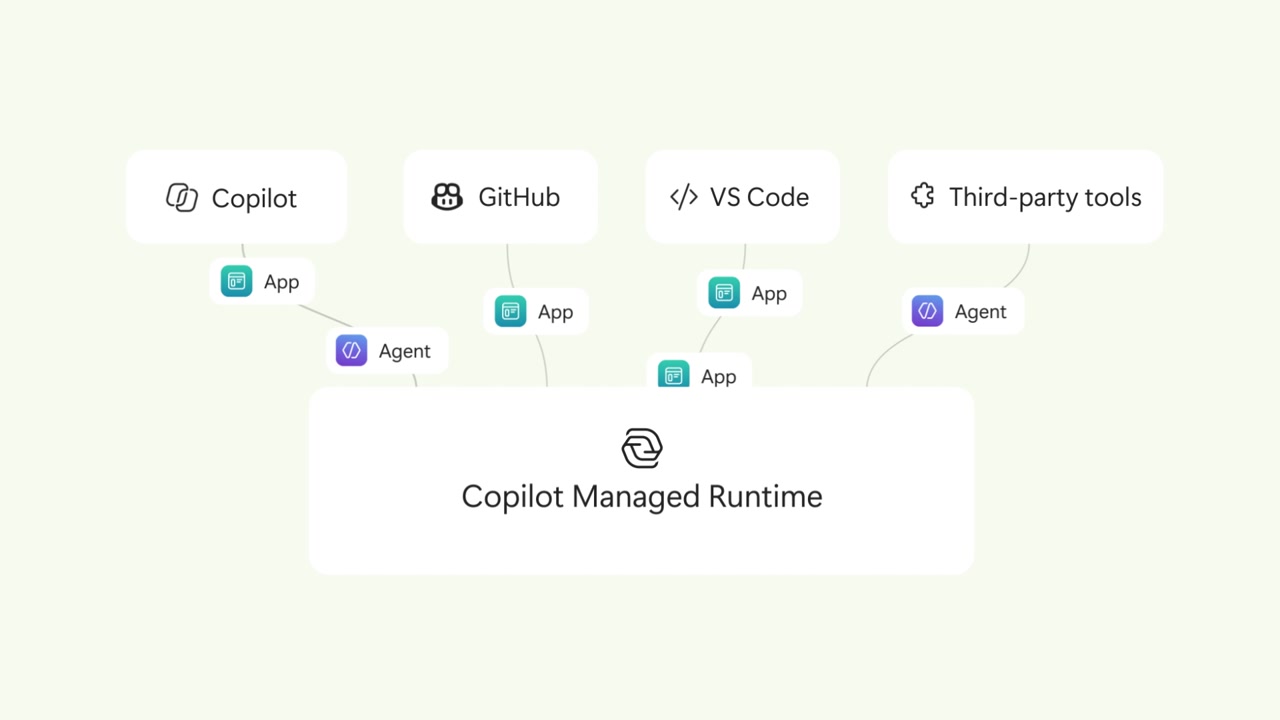
For Copilot Studio makers, the interesting part is still in public preview. The developer tools let you edit an agent or workflow locally and publish it to Copilot Studio from the command line. I like being able to open a diff and see exactly which instructions changed before someone tests the agent. Managed Runtime availability and CLI details.
6. What does a week of Cowork cost?
Agent 365 Business Analytics adds a Cowork view in Frontier preview. Pick a use case and you can see what it cost, how often people used it, and how much work Microsoft estimates Cowork handled. If a team uses it for a weekly account brief, I would put the estimated hours beside the time someone spent checking the figures. That gives the team a better basis for deciding whether to keep running it.

7. Beyond Microsoft
OpenAI released GPT-6.2 Astra and Sol on November 17. Astra is the one OpenAI positions for complex work. Sol is the faster everyday option. For a fair comparison, give both the same workbook, ask for the three biggest variances and have each point to the cells behind its answer. That is a test you can grade yourself. OpenAI’s GPT-6.2 release.

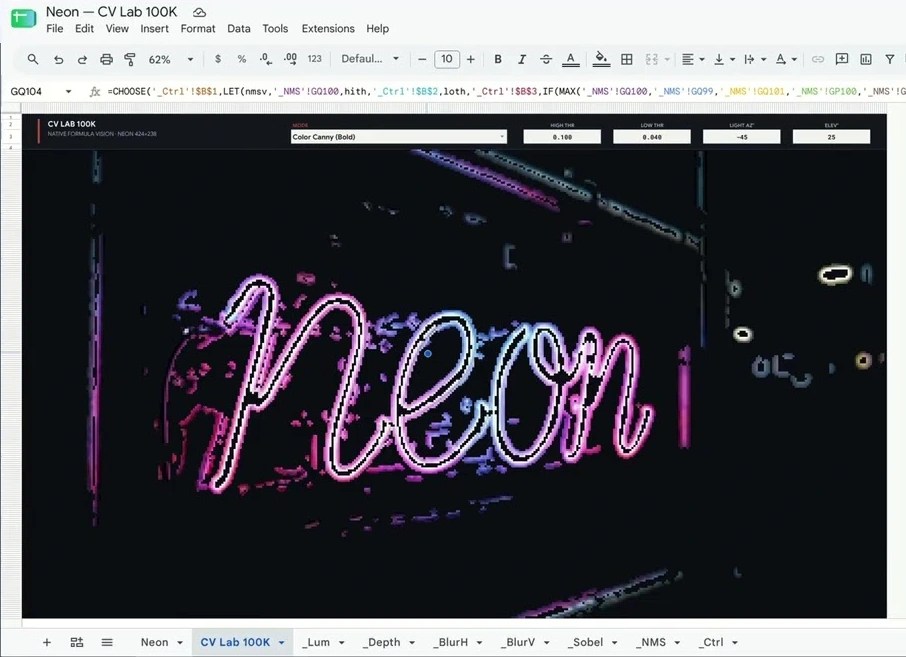
Google introduced Gemini 4 Neon on November 18. It sits between Hydrogen and Carbon in the Gemini 4 family. Neon can work across spreadsheets, PDFs, images and other inputs in a single request. It is rolling out through the paid Gemini API and to Pro and Ultra subscribers in the Gemini app. If part of your monthly report comes in as a scanned chart, keep it in the workbook test. See which model reads the chart correctly and how much you have to fix. Google’s Gemini 4 Neon release.
Leave a Reply